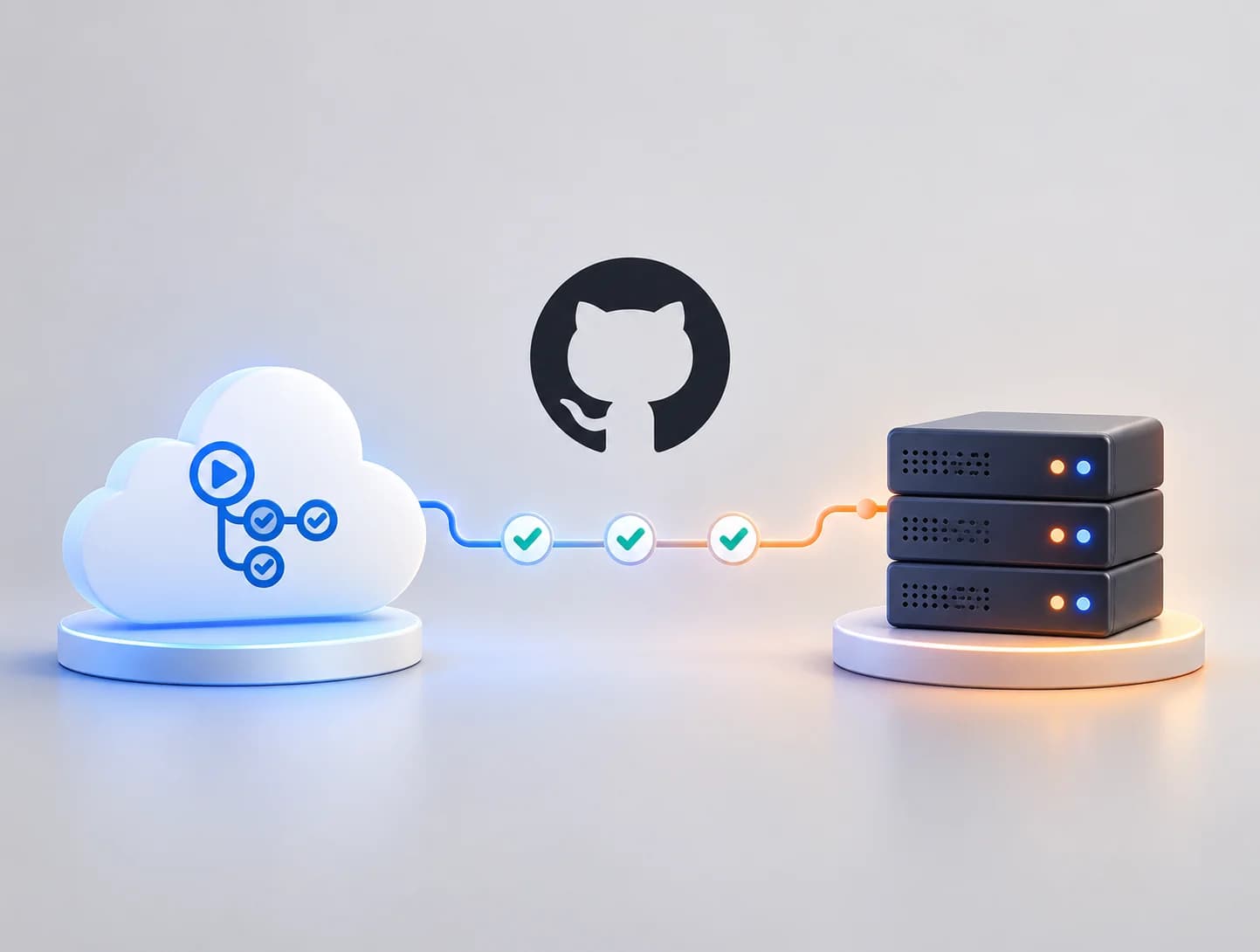
GitHub Self-Hosted Runner vs GitHub-Hosted: Which CI/CD Setup is Best?

Nutz
2026-10-12
Choosing between GitHub-hosted and self-hosted runners for your CI/CD pipelines? Compare costs, security, performance, and maintenance for enterprise software teams.
When an engineering team adopts GitHub Actions for Continuous Integration and Continuous Deployment (CI/CD), they immediately run into a major infrastructure question: Where should the code actually be built?
When you trigger a GitHub Action (for example, to build a heavy Next.js application or run a Docker image), that computational work requires a server. GitHub provides two options: GitHub-hosted runners (servers managed entirely by GitHub) or Self-hosted runners (your own servers that you connect to GitHub).
For CTOs and DevOps engineers, making the wrong choice here can lead to bloated cloud bills, incredibly slow deployment times, or severe security vulnerabilities. Here is a technical comparison of both models.
The Default: GitHub-Hosted Runners
By default, when you write runs-on: ubuntu-latest in your GitHub Actions YAML file, you are requesting a GitHub-hosted runner.
When the workflow triggers, GitHub spins up a fresh, pristine virtual machine in their cloud, runs your build scripts, and then instantly destroys the machine.
The Advantages:
- Zero Maintenance: You do not have to update the OS, manage security patches, or worry about disk space filling up.
- Clean Environment: Because the machine is destroyed after every run, you are guaranteed a 100% clean environment every time. There is no leftover cache or old dependency files to corrupt your build.
- Out-of-the-Box Setup: It requires absolutely zero infrastructure configuration.
The Disadvantages:
- Cost at Scale: GitHub gives you a set amount of free minutes per month (depending on your plan). Once you exceed those, you pay per minute. For teams running heavy E2E tests 50 times a day, this bill scales rapidly.
- Hardware Limitations: Standard GitHub runners have limited RAM and CPU. If you are compiling a massive C++ application or training an AI model, the GitHub runner might be too slow or simply run out of memory.
- No Internal Network Access: A GitHub runner lives on the public internet. If your deployment requires connecting to a private internal database (behind a strict company firewall), the public GitHub runner cannot reach it safely.
The Alternative: GitHub Self-Hosted Runners
A self-hosted runner is a server you own (like an AWS EC2 instance, a DigitalOcean droplet, or even a physical server in your office) on which you install a small GitHub agent application. This server constantly listens to GitHub. When a job is triggered, GitHub sends the instructions to your server to execute the build.
The Advantages:
- Total Hardware Control: You can deploy a massive 64-core, 128GB RAM server with dedicated GPUs. Your build times can drop from 20 minutes to 2 minutes.
- Network Security (VPC): Your runner sits securely inside your company's private network. It can safely connect to your internal production databases or private registries without opening firewall ports to the public internet.
- Flat Cost: You pay the fixed monthly cost for your AWS/Linux server, regardless of whether you run 10 builds or 10,000 builds. You don't pay GitHub per-minute fees.
- Persistent Caching: Because the machine is not destroyed after every run, you can persist heavy Docker layers or
node_modulescaches natively on the disk, massively speeding up subsequent builds.
The Disadvantages:
- Maintenance Burden: Your DevOps team is now responsible for updating the server's OS, patching security vulnerabilities, and managing disk space.
- Stateful Corruption: Because the environment persists, a failed build might leave dirty files on the disk that corrupt the next build.
- Security Risks on Public Repos: Never use a self-hosted runner on a public repository. If a malicious user submits a Pull Request with code designed to execute a dangerous command, your self-hosted runner will execute it directly inside your private network.
The Architecture Decision
Use GitHub-Hosted Runners if:
- You are a small to medium startup prioritizing developer speed over infrastructure cost.
- Your applications compile quickly (e.g., standard React/Next.js frontend apps).
- Your repository is public/open-source.
Use Self-Hosted Runners if:
- You are an enterprise company with strict security compliance requiring CI/CD to happen entirely within your private VPC.
- Your builds require specialized hardware (GPUs or massive RAM) or take longer than 30 minutes to compile.
- Your monthly GitHub Actions bill has exceeded the cost of simply renting a dedicated cloud server.
At Nutz, our DevOps and Engineering teams design secure, highly optimized CI/CD pipelines tailored to the scale of your business—whether leveraging managed cloud runners or building secure, self-hosted enterprise infrastructure.
Related work
View Clotricks web app case studyAbout the Author
Nutz
Design & Development Team
We share insights on design, development and building digital products from our studio in Erode, Tamil Nadu.
Work with usRelated SaaS product
Built by Nutz in Erode
Explore SaaS products we design and ship.