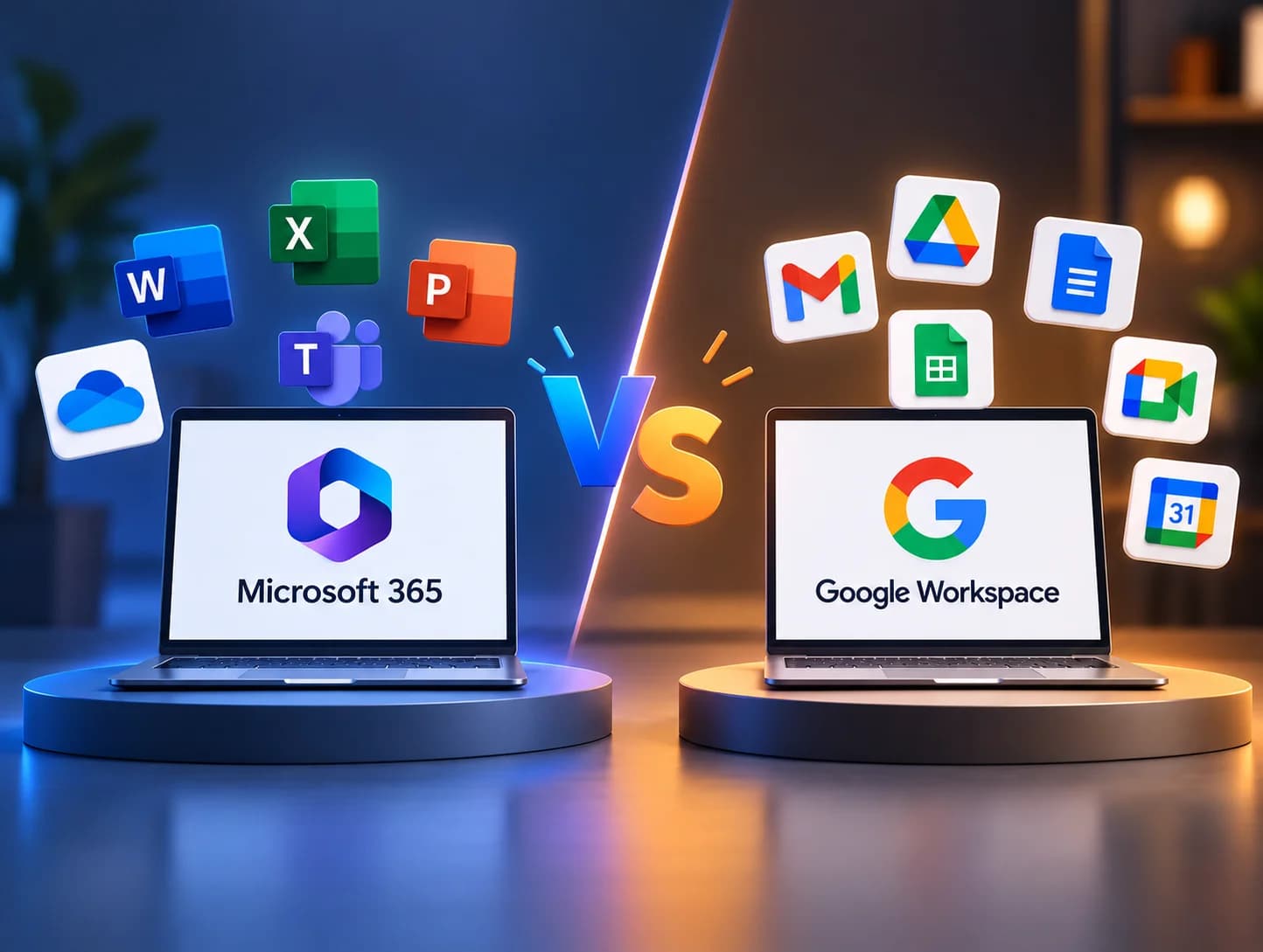
Microsoft 365 vs Google Workspace: Which is Best for Small Businesses?

Nutz
2026-10-14
Choosing email and cloud software for your business? Compare Microsoft 365 and Google Workspace in terms of pricing, features, and offline access for Indian companies.
When starting a business, one of the very first operational decisions a founder makes is choosing a professional email and productivity suite. You need an email address that ends in @yourcompany.in, cloud storage, and document editing tools.
The market is entirely dominated by a duopoly: Google Workspace (formerly G Suite) and Microsoft 365 (formerly Office 365).
For a team of 10 or 50 people, choosing the wrong platform can lead to daily friction, file compatibility issues, and wasted software licenses. Here is an objective comparison to help Indian small businesses choose the right digital foundation.
The Core Philosophical Difference
Before looking at features, you must understand the underlying philosophy of both platforms.
Google Workspace is "Cloud-Native." Google built its tools (Docs, Sheets, Gmail) in the web browser from day one. It was designed primarily for real-time collaboration. The assumption is that you are always connected to the internet.
Microsoft 365 is "Desktop-First." Microsoft built its empire on massive, powerful desktop applications (Word, Excel, PowerPoint). While they now have excellent cloud versions, the core strength of Microsoft remains in complex, heavy, offline desktop software.
Head-to-Head Comparison for Businesses
1. Email and Communication
- Google (Gmail & Google Meet): Almost every employee already knows how to use Gmail. The search functionality within Gmail is unparalleled. Google Meet is incredibly lightweight; you just click a link in your browser and the video call starts instantly.
- Microsoft (Outlook & Teams): Outlook is the corporate standard for complex email filtering and heavy calendar management. Microsoft Teams is much more than a video tool; it is a massive hub for chat, file sharing, and project management (directly competing with Slack).
2. Document Creation and Spreadsheets
- Google (Docs & Sheets): Brilliant for real-time collaboration. Ten people can edit a Google Doc simultaneously without lag. However, Google Sheets struggles to process massive, 100,000-row datasets and lacks advanced financial modeling formulas.
- Microsoft (Word & Excel): Microsoft Excel is the undisputed king of business finance. If your business relies on massive datasets, heavy macros, and complex pivot tables, Google Sheets simply cannot compete with the desktop version of Excel.
3. Pricing in India
Both companies offer localized pricing for the Indian market, which is generally quite affordable for SMEs.
- Google Workspace (Business Starter): Approximately ₹130 to ₹150 per user/month. Includes 30GB of cloud storage per user.
- Microsoft 365 (Business Basic): Approximately ₹125 to ₹150 per user/month. Includes a massive 1TB of cloud storage per user, but only includes web and mobile versions of Word/Excel.
- Microsoft 365 (Business Standard): Approximately ₹600 to ₹700 per user/month. This is the tier that allows you to download the actual desktop versions of Word, Excel, and PowerPoint.
(Note: Pricing fluctuates based on annual commitments and promotional offers).
The Offline vs. Online Debate
In India, internet connectivity can be inconsistent, especially for remote field teams or manufacturing sites.
If your sales team is on a train with zero signal and needs to edit a 50-page client proposal, Microsoft 365 (Standard tier) allows them to work natively on the desktop Word application. When they get signal, it syncs to the cloud.
While Google offers "offline mode" via the Chrome browser, it is fundamentally a web app and can sometimes feel clunky when managing dozens of heavy files without an active internet connection.
Which Should Your Business Choose?
Choose Google Workspace if:
- Your team is highly remote, young, and prioritizes fast, real-time collaboration.
- Your work is largely text-based, creative, or communicative, rather than heavy data processing.
- You want the absolute simplest administration interface without needing an IT manager.
- You use Macs exclusively (Microsoft apps work on Mac, but Google's browser-first approach is seamless across all OS).
Choose Microsoft 365 if:
- You are a finance, accounting, or engineering firm that relies heavily on complex Excel macros.
- Your clients expect perfectly formatted
.docxand.xlsxfiles (converting complex Microsoft files into Google Docs often breaks formatting). - Your team frequently works offline.
- You want 1TB of storage per user on the cheapest plan.
Choosing the right enterprise software is critical for operational scale. Nutz helps businesses integrate cloud infrastructure, CRMs, and custom software to create frictionless digital workspaces.
Related work
View Clotricks web app case studyAbout the Author
Nutz
Design & Development Team
We share insights on design, development and building digital products from our studio in Erode, Tamil Nadu.
Work with usRelated SaaS product
Built by Nutz in Erode
Explore SaaS products we design and ship.