WhatsApp Business API Guide for Indian Businesses | Pricing & Features

Nutz
2026-10-27
Ready to scale your customer support and marketing? Learn the differences between the free WhatsApp app and the WhatsApp API, including costs and automation for SMEs.
For most small businesses in India, the free WhatsApp Business app on a smartphone is enough to get started. You can reply to customers, set away messages, and manage a basic catalog.
But what happens when you get 500 inquiries a day? A single smartphone cannot handle the volume. Multiple team members cannot answer from the same number simultaneously. You cannot connect your website forms directly to your phone.
This is where you outgrow the app and require the WhatsApp Business API (now officially called the WhatsApp Business Platform). Here is a practical, technical guide to what the API is, how it works, and what it costs in India.
What is the WhatsApp Business API?
Unlike the free app you download from the Play Store, the WhatsApp API has no visual interface. It is pure backend code provided by Meta (Facebook).
To use the API, you must connect it to a third-party software dashboard (like WATI, Interakt, or a custom CRM built by a tech company).
Key capabilities of the API:
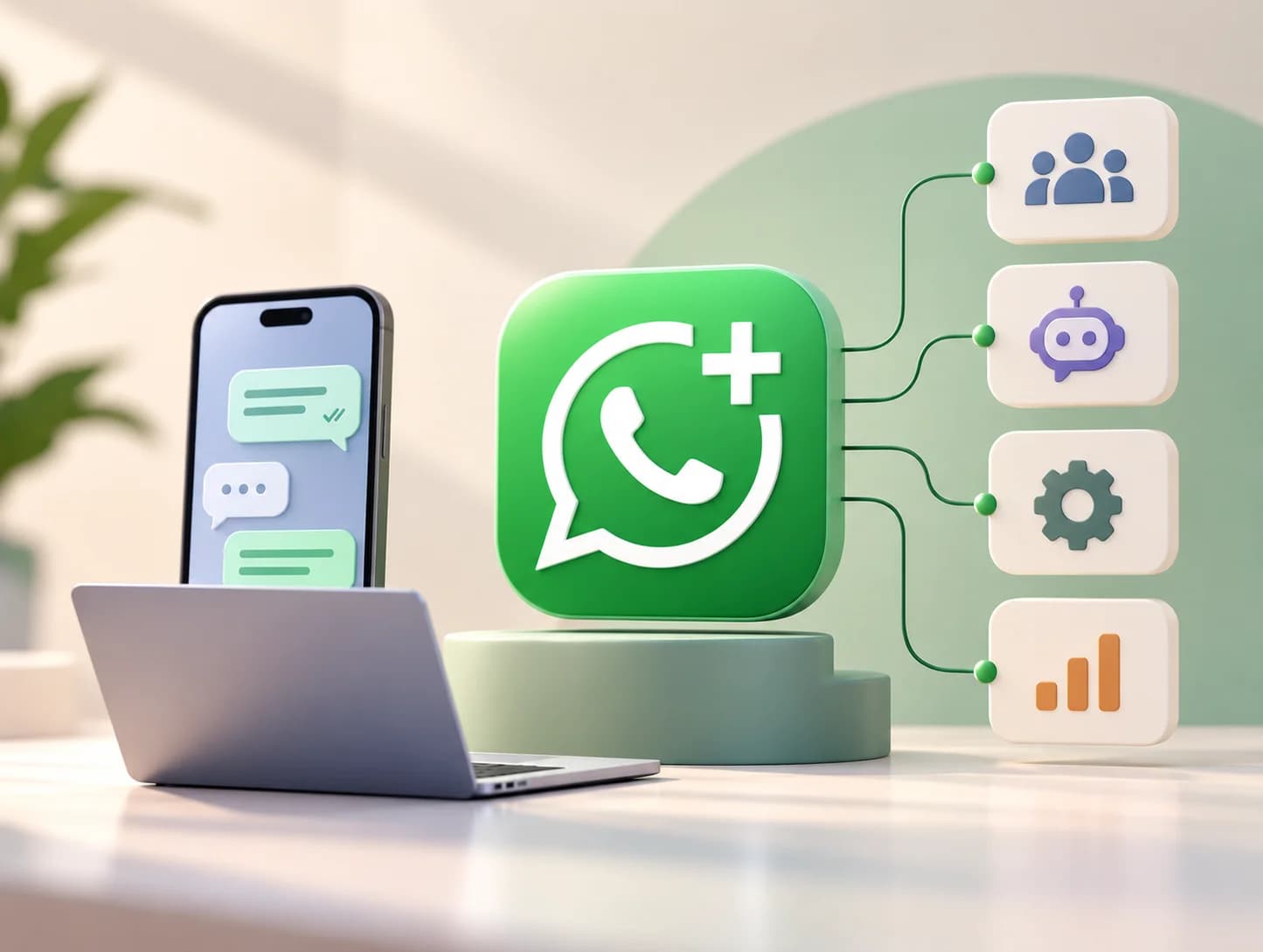
- Multi-Agent Support: 50 customer service agents can log in from their computers and reply to customers using a single official business phone number.
- Deep Automation: You can build complex AI chatbots that answer FAQs, process orders, and route complex questions to human agents.
- System Integration: You can connect the API to your website, Shopify store, or CRM. If someone fills out a form on your website, your system can instantly WhatsApp them a brochure.
- Mass Broadcasts: You can send promotional messages or newsletters to thousands of opted-in customers securely without getting your number banned.
- The Green Tick: The API is the pathway to getting the coveted "Verified Business" green tick next to your name.
Understanding the Pricing Structure (India)
Using the WhatsApp API is not free. The cost structure involves two layers: the software provider cost and Meta’s conversation fees.
1. The BSP/Software Provider Fee
Since the API has no interface, you must pay a Business Solution Provider (BSP) for the dashboard software.
- Cost: Usually ranges from ₹1,500 to ₹4,000 per month, depending on the provider and the number of agent seats you need.
2. Meta's Conversation-Based Pricing
Meta charges per "conversation" (a 24-hour window of messaging), not per individual message. In India, the approximate rates (which vary slightly by provider) are divided into categories:
- Marketing Conversations (Promotions, offers): ~₹0.70 to ₹0.80 per conversation.
- Utility Conversations (Order updates, receipts): ~₹0.10 to ₹0.15 per conversation.
- Authentication Conversations (OTPs): ~₹0.10 per conversation.
- Service Conversations (Customer-initiated support): ~₹0.29 per conversation.
Note: Meta frequently offers the first 1,000 service conversations per month for free.
Practical Business Use Cases
1. E-Commerce (Reducing RTO)
A customer buys a product on your Comez or Shopify store. The API instantly sends a WhatsApp message: "Hi Rahul, confirm your COD order by clicking YES." If they click YES, the order processes. If not, it is cancelled, saving the brand massive return shipping costs.
2. Real Estate and Education (Lead Nurturing)
A student clicks a Facebook ad and fills out a lead form. Instead of waiting for a sales rep to call the next day, the API instantly sends the university brochure via WhatsApp and a chatbot asks what course they are interested in.
3. Healthcare Clinics (Appointment Reminders)
The clinic's CRM automatically sends a WhatsApp message 24 hours before an appointment. The patient can reply to confirm or reschedule without tying up the receptionist’s phone lines.
How to Get Started
Implementing the WhatsApp API requires technical setup. You must verify your Facebook Business Manager, secure a dedicated phone number (one not currently used on the free WhatsApp app), and choose a software provider.
While there are many DIY software tools available, maximizing the API’s potential requires custom workflows. A chatbot that just says "Press 1 for Sales" is frustrating. An AI agent that actually pulls live order tracking data from your database is magical.
At Nutz, we help growing Indian businesses integrate the WhatsApp Business API with custom CRM systems, e-commerce platforms, and intelligent AI chatbots to automate customer communication at scale.
Related work
View Clotricks web app case studyAbout the Author
Nutz
Design & Development Team
We share insights on design, development and building digital products from our studio in Erode, Tamil Nadu.
Work with usRelated SaaS product
Built by Nutz in Erode
Explore SaaS products we design and ship.