Canva vs Professional Graphic Design: Which One Your Business Need?

Nutz
2026-09-29
Can a small business survive on Canva alone? Discover the difference between using Canva templates for social media and hiring professional designers for core brand identity.
Ten years ago, if a small business needed a flyer, a social media post, or a business card, they had to hire a graphic designer proficient in complex, expensive software like Adobe Photoshop.
Today, millions of businesses use Canva—a drag-and-drop, browser-based design tool. Canva has democratized design, allowing anyone with a mouse to create visually appealing graphics in minutes.
This leads many startup founders to ask: “If I can make beautiful graphics on Canva for ₹400 a month, why would I ever pay an agency or a professional designer thousands of rupees?”
While Canva is an incredible tool for execution, it is not a replacement for professional branding. Using Canva for everything can actually harm your business’s long-term credibility. Here is a guide on when a business should use Canva, and when they must hire a professional.
The Core Difference: Assembly vs. Creation
The easiest way to understand the difference is to think about cooking.
- Canva is like buying a pre-made meal kit. The ingredients are chopped, the recipe is written, and you just assemble it. It tastes good and saves time, but 10,000 other people are eating the exact same meal.
- Professional Design is hiring a master chef to create a custom menu specifically designed for your exact dietary needs and local flavor palate. It is unique to you.
Where Canva is Perfect (Execution and Volume)
Canva is the ultimate tool for high-volume, low-stakes execution.
If your business needs to post on Instagram three times a day, paying a professional designer to create 90 custom posts a month is a massive waste of capital for a small business.
Best Use Cases for Canva:
- Daily Social Media Posts: Motivational quotes, "New Stock Arrived" announcements, or festival greetings.
- Internal Documents: Basic team presentations, training manuals, or standard operating procedures.
- Quick Iterations: Changing the text on a Facebook Ad to test different marketing headlines instantly.
Canva allows your marketing team to move fast without getting bottlenecked waiting for a design agency to return a file just to change one word.
Where Professional Design is Mandatory (Identity and Scalability)
Professional design is not just about making things look "pretty." It is about visual strategy, legal ownership, and technical scalability.
1. Logo Design and Core Brand Identity
You should never use a Canva template for your primary business logo.
First, Canva templates are not exclusive. A competitor in your city could use the exact same logo template. Second, according to Canva's licensing, you cannot legally trademark a logo made from their stock elements. A professional designer creates a unique, trademarkable vector graphic that represents your specific brand psychology.
2. High-Stakes Print and Packaging
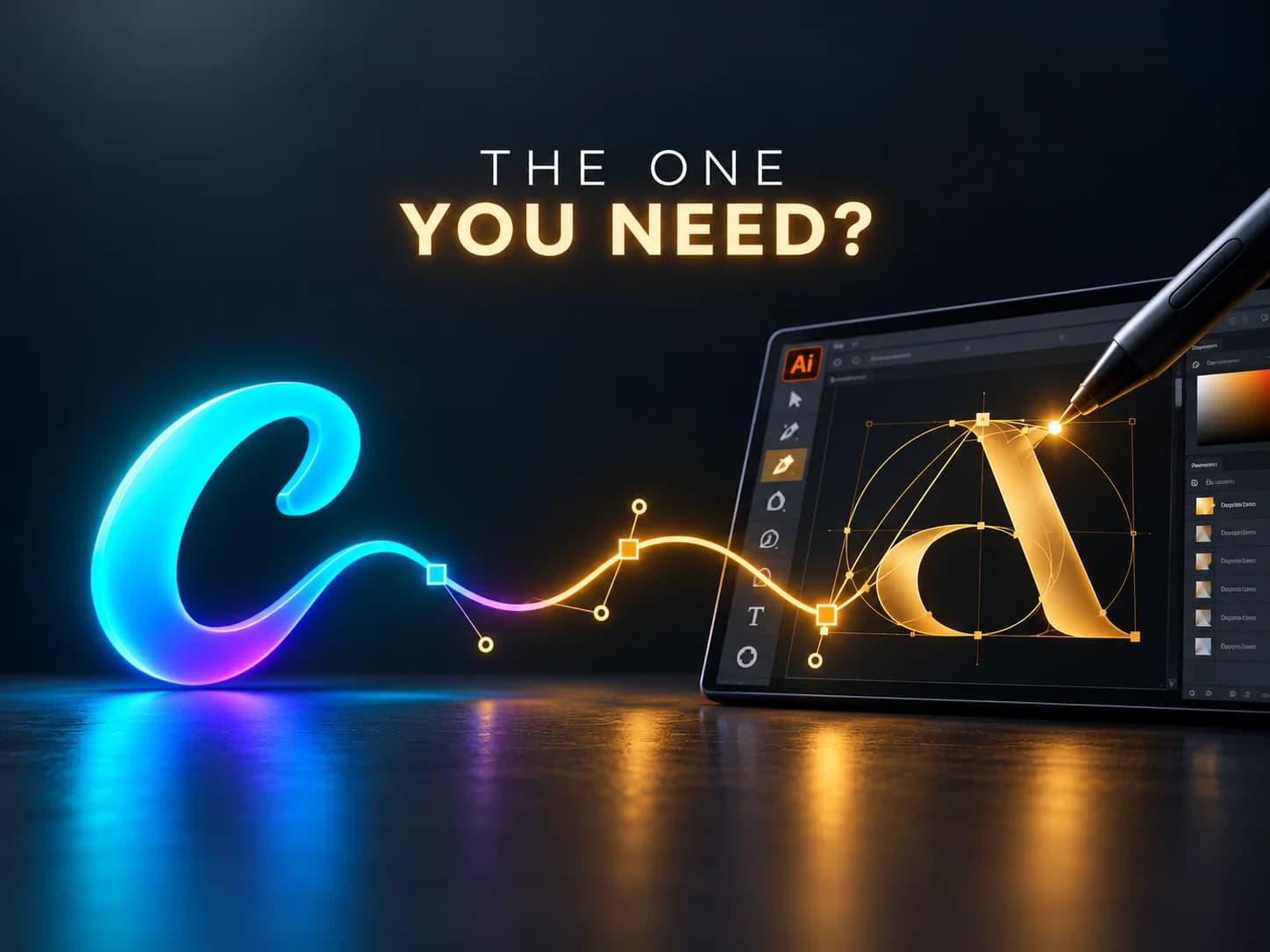
If you are printing 50,000 custom product boxes, or a massive highway billboard, the technical requirements are immense. Professional designers use software like Adobe Illustrator to create infinitely scalable vector files. They manage CMYK color spaces, bleed margins, and die-cut lines. A mistake here can cost your business lakhs of rupees in ruined printing.
3. Custom Website UI/UX Design
Canva cannot design the complex, interactive User Interface (UI) of a custom e-commerce website or software application. That requires specialized UI/UX designers using tools like Figma to map out user journeys, button states, and responsive mobile architectures.
The Winning Strategy: The Hybrid Model
The most efficient companies do not choose one over the other; they use both in a specific sequence.
Step 1: The Professional Builds the Foundation
You hire a professional design agency to build your core Brand Guidelines. They create your custom logo, select your exact typography, define your color hex codes, and establish your visual tone.
Step 2: The Professional Creates the Templates
The agency then designs 10 to 15 custom, branded templates specifically for your business and uploads them into your company’s Canva account.
Step 3: The Team Executes
Now, your junior marketing team or social media manager can use Canva daily. They just drop new photos and text into the custom templates the professionals created.
This hybrid approach guarantees that your brand always looks premium and entirely unique, while keeping your daily marketing costs incredibly low.
A strong brand requires a strong visual and technical foundation. Nutz provides professional UI/UX design, custom branding, and web development services to establish your business as an industry leader.
Related work
View Clotricks web app case studyAbout the Author
Nutz
Design & Development Team
We share insights on design, development and building digital products from our studio in Erode, Tamil Nadu.
Work with usRelated SaaS product
Built by Nutz in Erode
Explore SaaS products we design and ship.